

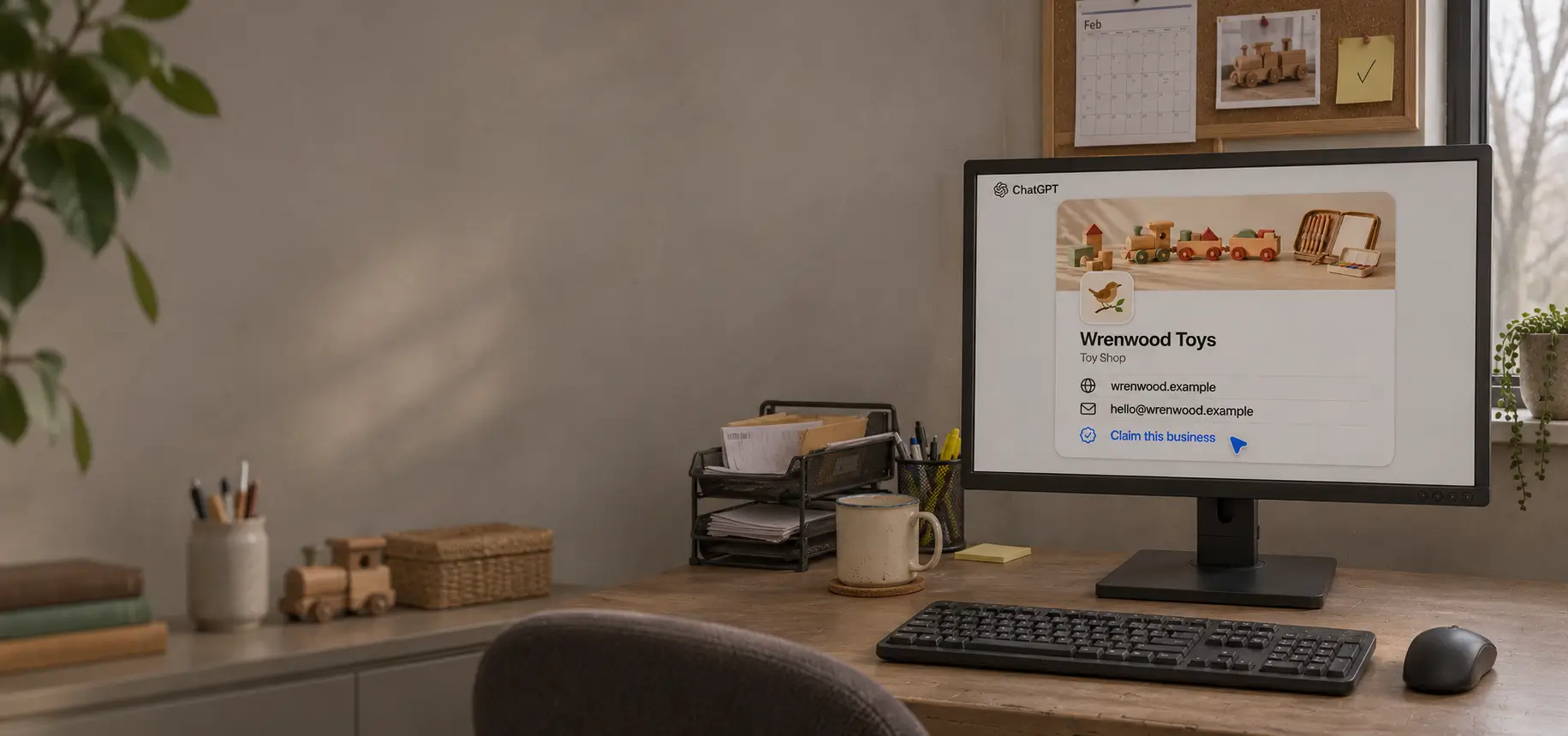

If you manage your business’s online presence, you probably already know how important it is to keep your Google Business Profile up to date. But what happens when a customer asks ChatGPT, “Where can I buy a wooden train set near me?” If your shop comes up, will they see what you sell, when you’re open, and how to reach you?
In BrightLocal’s 2026 survey, 45% of US consumers said they had used AI tools to get local business recommendations, up from 6% the year before. ChatGPT was the most commonly used AI tool for those recommendations.
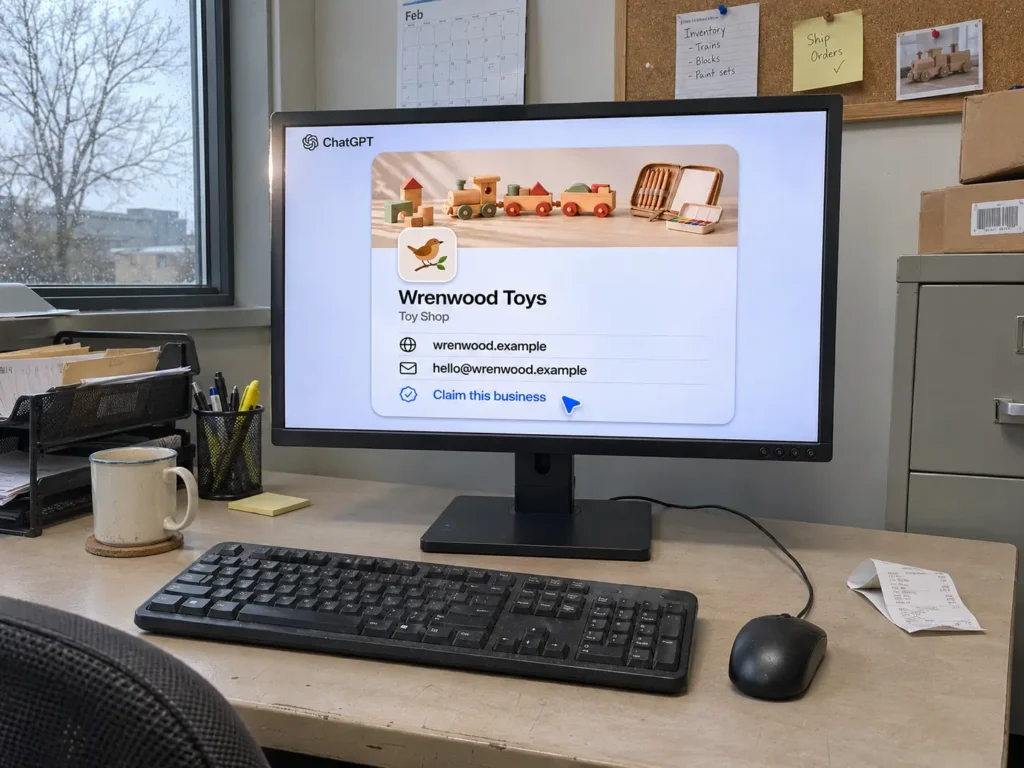
That gives you a practical reason to check your presence on ChatGPT. A customer looking for a wooden train set may never search for your shop by name. They’re looking for a product. If ChatGPT introduces them to your business, you want them to find the right website and opening hours while they’re still deciding where to go.
On 10 November 2026, OpenAI launched Businesses in ChatGPT in beta. Eligible businesses can claim a profile and, once verified, provide current information about their products or services. Whether you can do that today depends on where and how you do business.
Can your business claim a profile?
If you sell online: Eligible online businesses can claim a profile where ChatGPT is available and verification is supported. If your business isn’t listed, Business Hub may offer the option to add it.
If you run a local shop or restaurant: At launch, you can only claim an existing US listing. For example, if you run a UK showroom and also sell online, check eligibility for the online business. The showroom itself doesn’t currently qualify as a local listing.
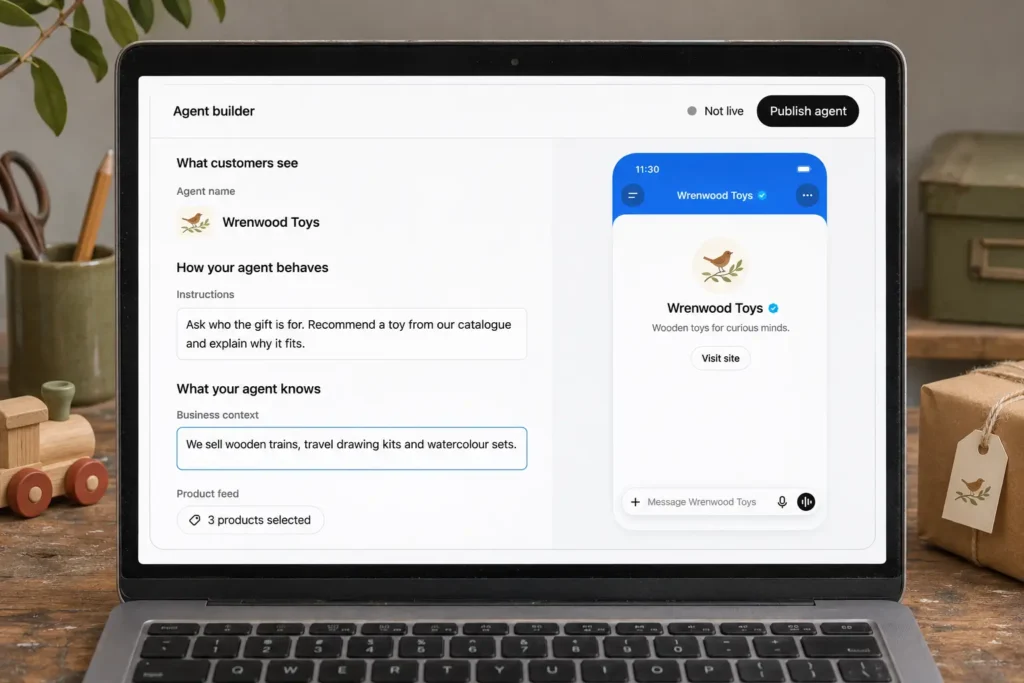
You may also hear about Business Agents. These are a separate feature that lets customers ask a business questions using information it supplies. At launch, agents are available only to eligible US ecommerce and online service businesses. You don’t need an agent to manage an eligible profile.
What would you want a customer to know?
Imagine you sell tiles. A designer asks, “Can I see this finish in your showroom?” A homeowner asks, “Can I order six boxes for delivery?” Both are interested in the same tile, but sending both to your homepage leaves them to work out the rest.
That’s where I’d start: make the difference between visiting, enquiring and buying clear. Check your business description, website link and delivery policy. If you sell products, an eligible retailer can also connect a product feed to supply prices and availability.
Claiming a profile gives you a way to contribute accurate information. ChatGPT can still draw on other sources, and verification doesn’t guarantee a recommendation or higher placement. Once enough activity is available, Business Hub can show aggregate mentions and clicks to your website. Those figures give you something useful to follow over time.
How to check your business
- Sign in and open ChatGPT Business Hub. Search for your business name and check that the website or location matches yours.
- If the business is eligible, choose one of the verification methods offered. Depending on the business, that may be a business email, phone, website domain or Shopify account.
- Complete the required identity verification before publishing changes or viewing insights. Then review the details a customer would actually use: what you offer, where you operate and how to buy or enquire.
These are the beta rules as of 18 November 2026. For current eligibility and verification instructions, see OpenAI’s official setup guide.
My advice: Check eligibility now. If your business qualifies, start with the questions customers already ask you every week. If it doesn’t, make sure those answers are easy to find on your own website. That improvement is useful today, regardless of how a customer finds you.
Want help checking your business?
Send me your website, your country and whether you sell online, in person or both. I’ll help you check which options apply and what’s worth preparing.
Prefer to talk? Schedule a call with Martin.